How “Vibe Coding” is Changing L&D
By
Cath Ellis

Your first client meeting is an audition. Stop winging it with bad audio and awkward scheduling. Discover the tools and techniques, from AI notetakers to budget scripts that win contracts.
Reading Time: 5 mins

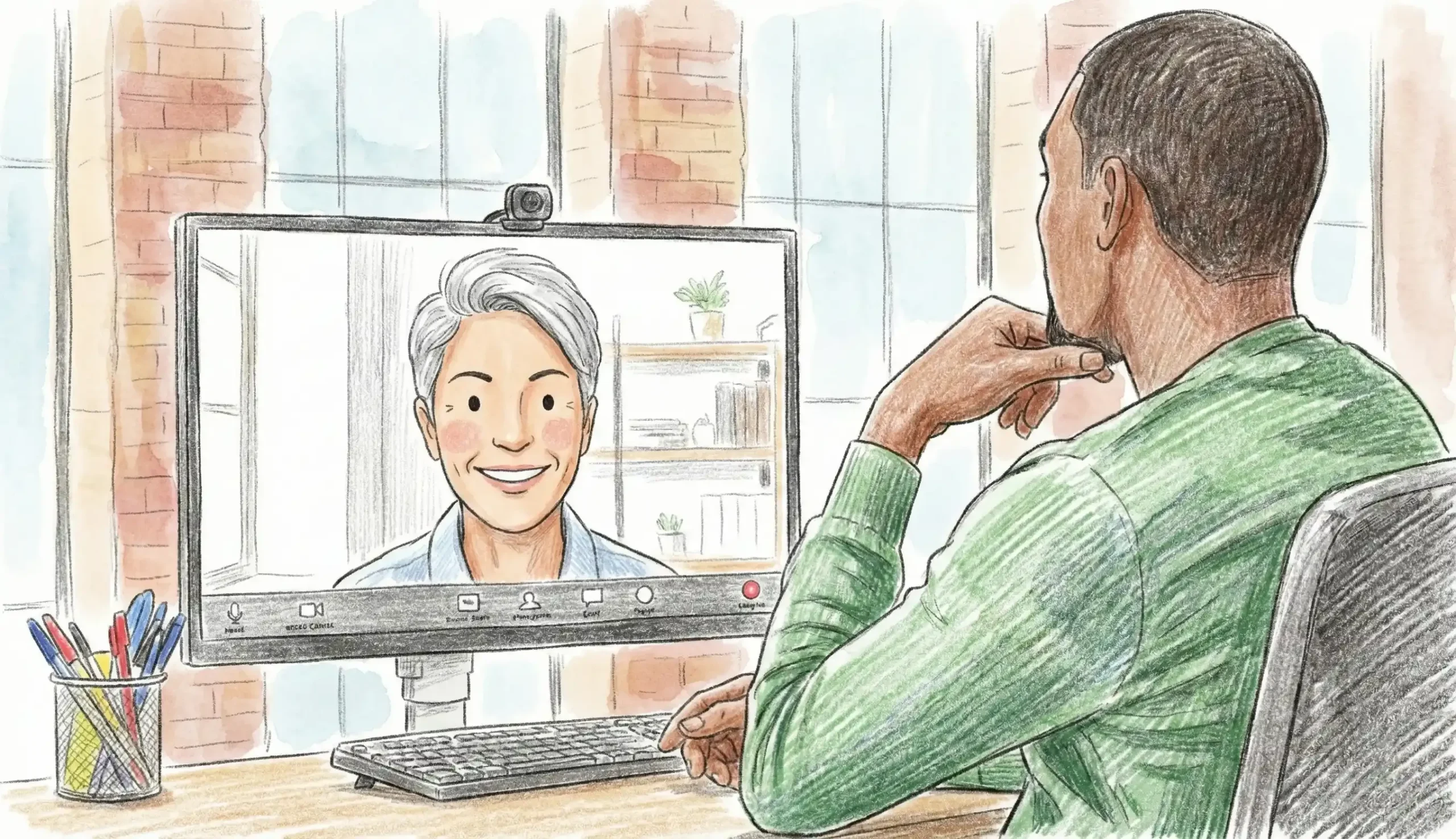
First impressions used to happen in a lobby. You’d shake hands, make eye contact, and maybe comment on the nice office view.
Today, your first impression is a URL link and a video feed.
If you are a freelancer or agency owner, that first Zoom call is your storefront. If it’s messy, pixelated, or disorganised, the client assumes your work will be too. But if it is slick, professional, and frictionless? You are halfway to signing the contract before you even say hello.
Here is how to run a discovery call that screams “I am a Pro.”
Nothing kills momentum like five emails back and forth trying to find a time slot. “Are you free Tuesday?” “No, how about Wednesday?” “Sorry, Wednesday is out…”
It’s amateur hour.
The Fix: Use a booking tool like Calendly or Cal.com. Set your availability, buffer times, and integration with your calendar. Send the link with a confident message: “Here is a link to my calendar, please pick a time that suits you best.”
Why it works: It establishes boundaries. It shows you value efficiency. It makes it easy for them to say “Yes.”
You are selling design. You are selling quality. If you show up on camera looking like a grainy hostage video with audio that sounds like you are underwater, you are sending a subconscious message: “I don’t care about details.”
The Non-Negotiables:
You wouldn’t wear pajamas to a boardroom. Don’t let your digital presence look like a laundry room.
It is impossible to build a connection if you are looking down, furiously scribbling notes the whole time. You need to make eye contact. You need to read the room.
The Fix: Record the session in Zoom or Google Meet or an external app and generate a transcript and summary instantly.
Clients don’t buy “Instructional Design”; they buy a solution to their problem. Don’t just list your skills. Open your screen and walk them through examples.
The Strategy:
This proves you aren’t just a decorator; you are a strategist.
Most freelancers leave money until the awkward end of the call, or worse, the email proposal. Don’t. You need to qualify the client early. There is no point in spending 5 hours writing a proposal for a client with a $1,000 budget when you charge $30,000.
The Script: Toward the end of the call, ask confidently:
“To ensure I design a solution that fits your resources, what investment range have you set aside for this project?”
If they are vague, give them brackets: “Projects of this complexity usually land between $27,000 and $35,000. Does that align with your expectations?”
Their reaction will tell you everything you need to know.
The “Discovery Call” is an audition. From the moment they click your booking link to the moment you wave goodbye on high-definition video, every step should reinforce one fact: You are the expert.
Tech isn’t just a tool; it’s part of your brand. Use it to build trust.
Dreading the money conversation? Book a coaching session with me, and let’s roleplay the budget talk so you can state your price with confidence.